Hindsight exposes its AI agent capabilities through the Model Context Protocol (MCP), allowing AI assistants to directly query your deal data, research competitors, and analyze pipeline metrics.Compatible with: Claude.ai, Claude Desktop, Claude Code, ChatGPT, Cursor, Cline, and any MCP-compatible client.
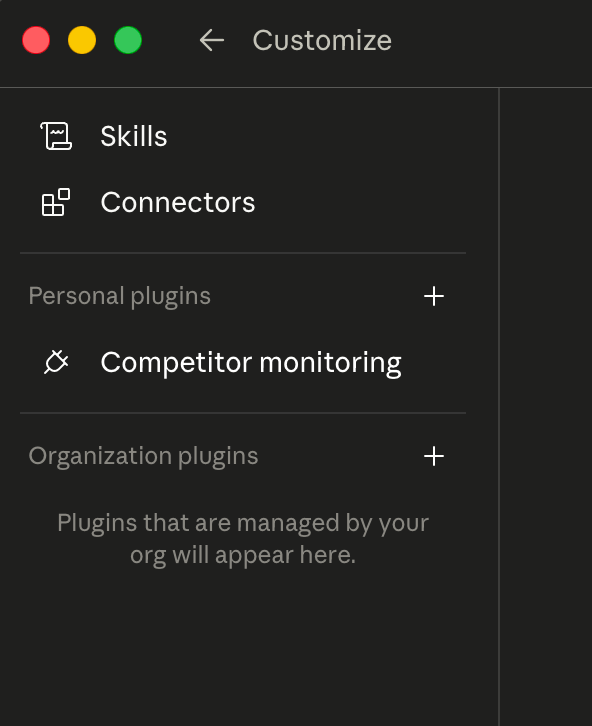
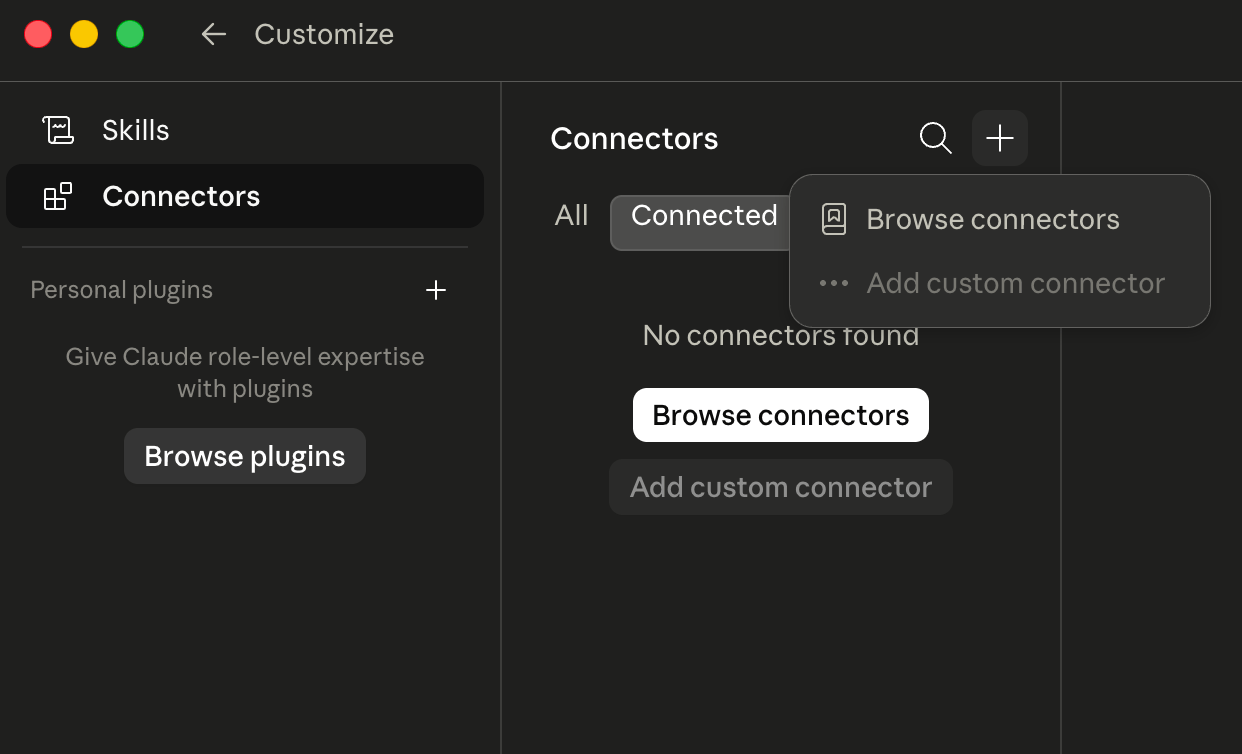
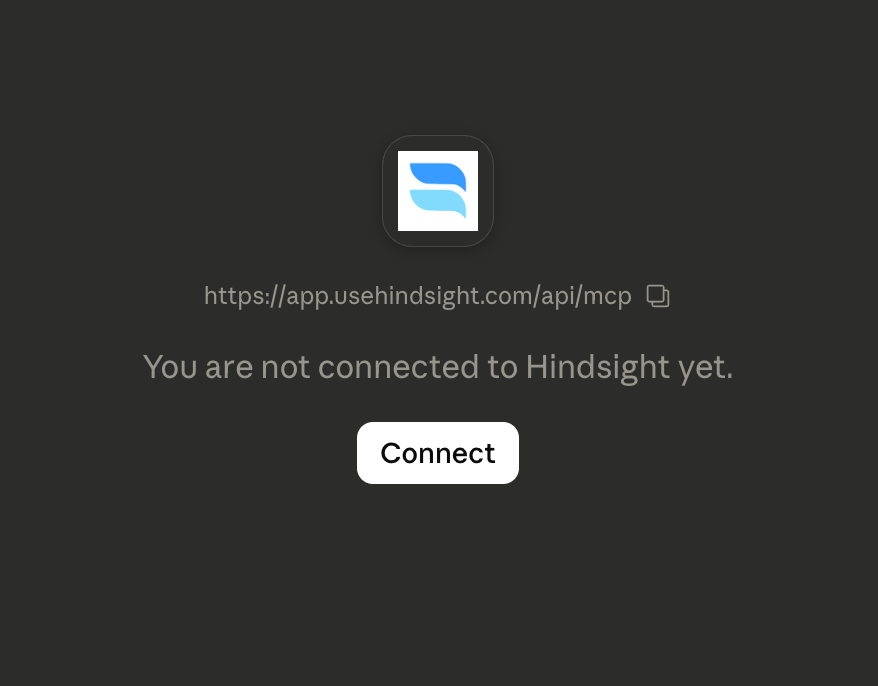
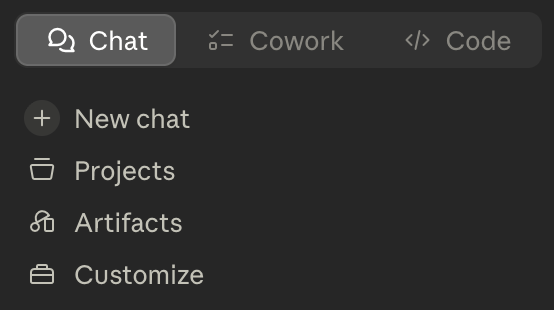
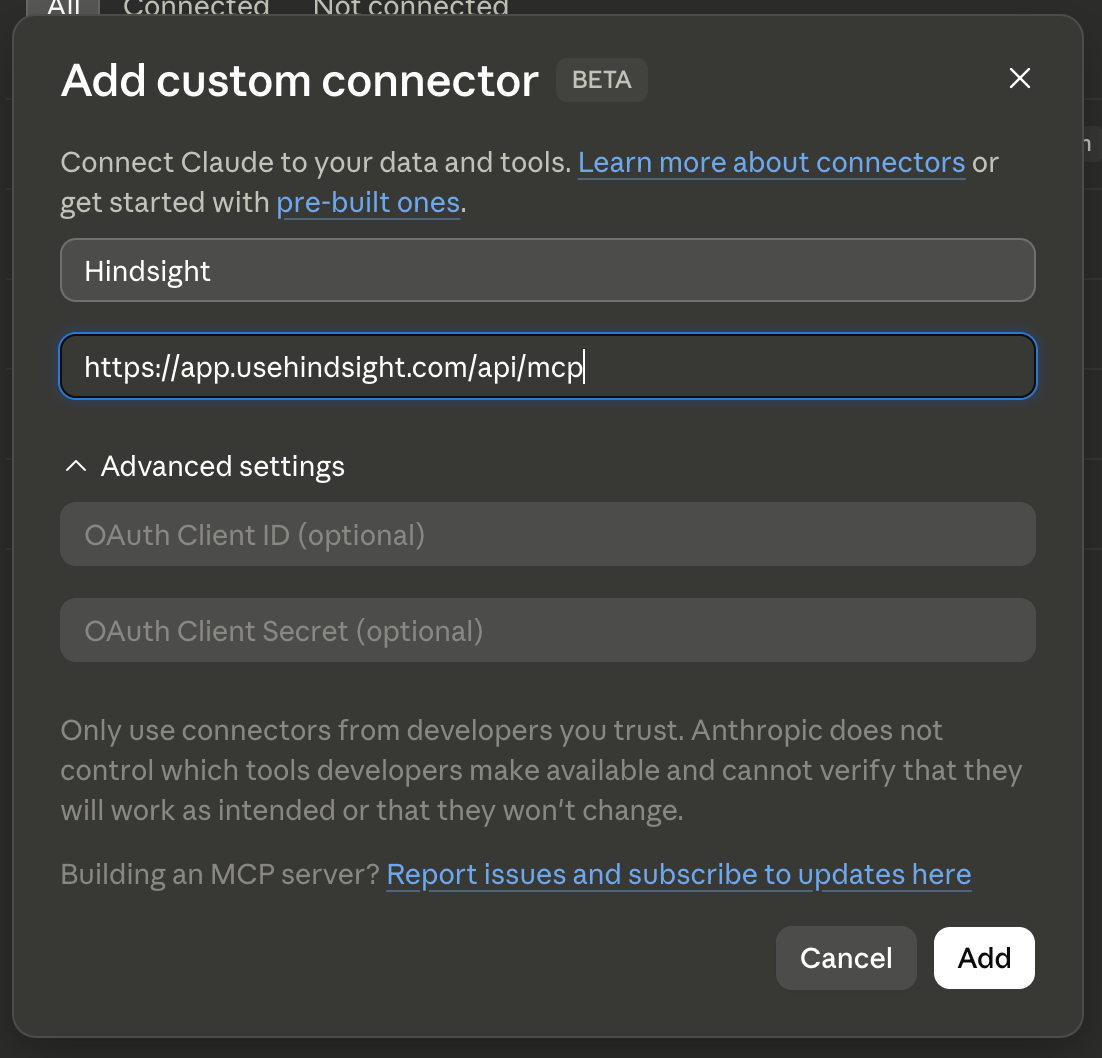
The easiest way to connect Hindsight is directly through the Claude.ai web app with no API keys or config files required.1. Open the sidebar customization panelClick the customize button in the Claude sidebar on the left.2. Open ConnectorsClick the Connectors button in the panel that appears.3. Add a new connectorClick the + button to add a custom connector.4. Fill in the Hindsight connector detailsSet the name to Hindsight and the URL to https://app.usehindsight.com/api/mcp, then click Add.5. ConnectClick Connect on the Hindsight connector. If your account belongs to multiple Hindsight organizations, you’ll be prompted to select which org to associate with this connection.That’s it — Hindsight is now available in your Claude.ai conversations.
Download and double-click the Hindsight MCP bundle to install directly into Claude Desktop. No config file editing required.Download hindsight.mcpbWhen you open the file and click install, Claude Desktop will open the browser prompting you to login to Hindsight and select an organization to use for the MCP.
Restart Claude Desktop after saving. For more details, see Anthropic’s MCP setup guide.Generate an API key from Settings → API Keys in the Hindsight app.
ChatGPT’s MCP support is available in beta via Developer Mode on Pro, Plus, Business, Enterprise, and Education accounts.1. Enable Developer ModeGo to Settings → Apps → Advanced settings → Developer mode and toggle it on.2. Create a Hindsight app
Open ChatGPT Apps settings
Click Create app (only visible when Developer Mode is enabled)
Enter https://app.usehindsight.com/api/mcp as the MCP server URL
Set authentication to “OAuth”
After hitting “Create” you should be directed to a new page to login with your Hindsight account to authenticate
The app will appear under Drafts in your app settings.3. Use Hindsight in a conversationSelect Developer Mode from the composer’s Plus menu, choose the Hindsight app, and start your conversation. For best results, be explicit about which tool to use:
“Use the Hindsight app’s search_across_deals tool to find why we lost deals to Salesforce last quarter.”
The Hindsight MCP server is a standard HTTP endpoint. Any HTTP client can call it directly using JSON-RPC 2.0.Endpoint:https://app.usehindsight.com/api/mcpRequired headers:
Each tool’s exact arguments are returned by tools/list above. fetch_hindsight_context takes no arguments and is the usual starting point — it returns the competitors and deal stages the other tools reference. This approach works with any language or framework — no MCP client library required.
Hindsight MCP moved to OAuth sign-in in MCP 2.0. If you connected against the older preview server, the old connection won’t authenticate anymore — you need to reconnect once against the current server. A stale connection typically shows up as a login loop, a 401/invalid_token error, or tools that silently return nothing.
Claude has no in-place “reauthenticate” button for a custom connector. To re-sign-in you remove the old connector and add it again — editing an existing connector isn’t supported. Reconnecting is safe: it doesn’t touch your Hindsight data, only the local credential.
Claude Web / Desktop
Manual config (mcp-remote)
1. Remove the old connectorGo to Customize → Connectors, find the old Hindsight entry, open the ⋯ menu, and click Remove.2. Add it againClick + → Add custom connector, set the URL to https://app.usehindsight.com/api/mcp, and click Add. (Desktop users can instead reinstall the hindsight.mcpb bundle.)3. Connect and sign inClick Connect. Claude opens your browser to sign in to Hindsight; if you belong to multiple orgs, pick the workspace for this connection.4. Re-check tool permissionsWith 2.0’s direct tool calls, you control which tools are exposed. After reconnecting, confirm the Hindsight tools you want are enabled in the connector’s settings.
Manual setups that use npx mcp-remote cache their OAuth tokens on disk, so a fresh sign-in won’t happen until you clear that cache. Removing and re-adding the connector in Claude is not enough here — clear the cache, then let the flow re-run.Quit Claude Desktop / your client first, then delete the cache directory:
Reopen your client — the next call runs the full OAuth flow and stores fresh tokens.
If your manual config uses an API key (Authorization: Bearer YOUR_API_KEY) rather than OAuth, there’s nothing to reauthenticate — just confirm the key is still valid under Settings → API Keys in Hindsight and that your config points at https://app.usehindsight.com/api/mcp.
On Claude Team and Enterprise plans, individual members usually cannot add a custom connector themselves — an Owner (or Primary Owner) has to approve it for the organization first. If you don’t see an Add custom connector option, this is why.
1
An Owner adds Hindsight org-wide
In Claude, go to Organization settings → Connectors → Add, hover Custom, and choose Web. Enter the URL https://app.usehindsight.com/api/mcp and click Add. (Leave Advanced settings / OAuth Client ID & Secret blank — Hindsight’s OAuth is handled per user at connect time.)
2
Members connect individually
Once the Owner has added it, each member goes to Customize → Connectors, finds the Hindsight entry (marked with a Custom label), and clicks Connect to run their own OAuth sign-in and pick their workspace.
Access stays per user, not shared. Each member signs in as themselves and only sees the Hindsight org they select — the Owner enabling the connector doesn’t grant anyone access to Hindsight data. See the MCP 2.0 notes.
If your organization is on a plan where a member added a preview-era connector before Owner approval was required, that member should remove it (Customize → Connectors → ⋯ → Remove) and reconnect to the Owner-approved one so everyone is on the same server.For the authoritative admin steps, see Anthropic’s guides on getting started with custom connectors and using connectors.
The server exposes the verified deal layer as a focused set of tools, grouped below. Most workflows open with fetch_hindsight_context to learn the workspace’s competitors and deal stages, then branch into the relevant group. For the exact current surface — including parameters — call tools/list against the endpoint (see the Direct API tab above).
Filter and list deals by criteria (competitor, stage, amount, date, owner, and more). Pass a conceptual semantic_query to rank matches by similarity to a description instead of paging by date. Returns lean rows for fast triage.
get_deal
Get full details for specific deals by ID.
search_across_deals
Search all deal documents across the entire pipeline.
search_deal_documents
Deep search within specific deals.
pull_full_document
Fetch full document content by ID when retrieved chunks aren’t enough.
The tools read from Hindsight’s verified deal layer — one cross-referenced record per deal, built server-side by the Analyze Engine. Search and research tools return cited results grounded in your source documents and knowledge base; quantitative tools run structured queries against your exported deal grid and compute the metrics you ask for.Because retrieval and verification happen up front, your agent orchestrates clean, cited tools rather than re-deriving context from raw transcripts on every call. See the Platform Overview for how the verified layer is built.
MCP requests authenticate using your Hindsight API key as a Bearer token. Keys are scoped to your organization — all tools operate on your org’s data only.Generate an API key from Settings → API Keys in the Hindsight app.