

Plays is in preview. The capability is rolling out to workspaces — setup steps and screens may change as it reaches general availability.
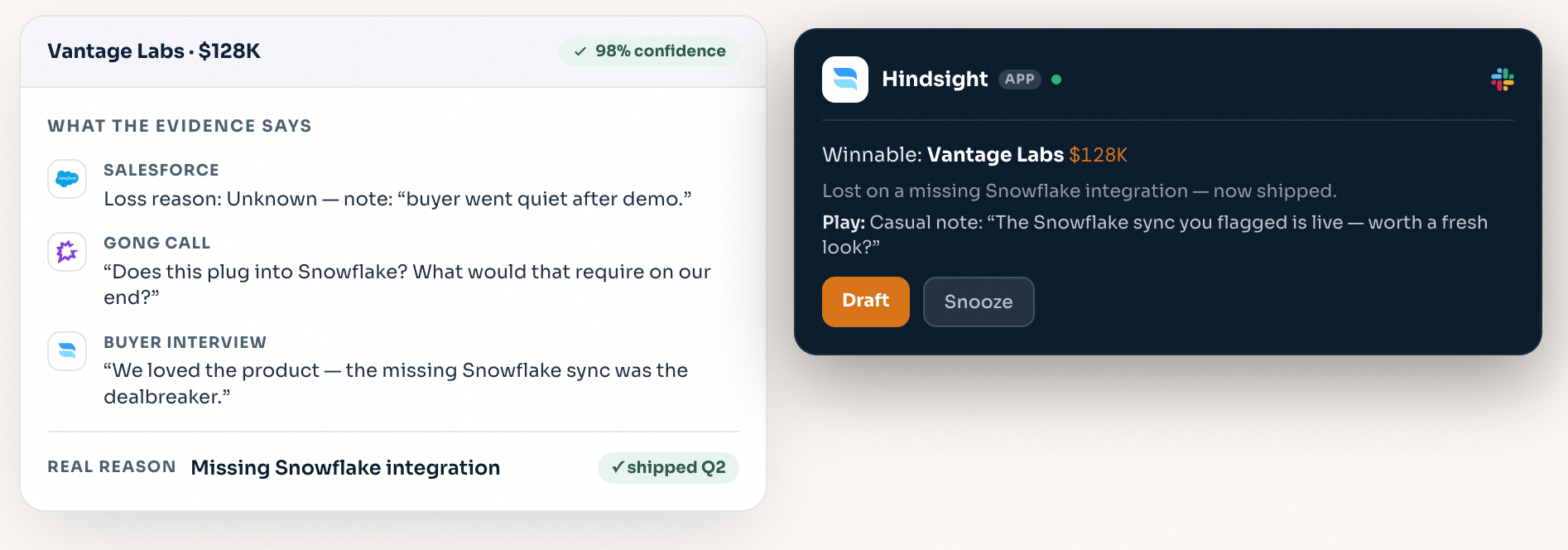
What a Play is
A Play is a reusable, proactive guidance motion defined by two things:-
Enrollment criteria — filters over your deals and their Deal Review fields. A matching deal can enroll automatically when its insights refresh, or you can enroll selected deals manually. For example:
Auto-enroll deals where a competitor is present and the deal is in evaluation and product fit is below the team’s target
- Play guidance — instructions for the action Hindsight should recommend to the rep. For example: “Review the competitive risk, cite the most relevant evidence, and prepare a call plan for the account owner.”
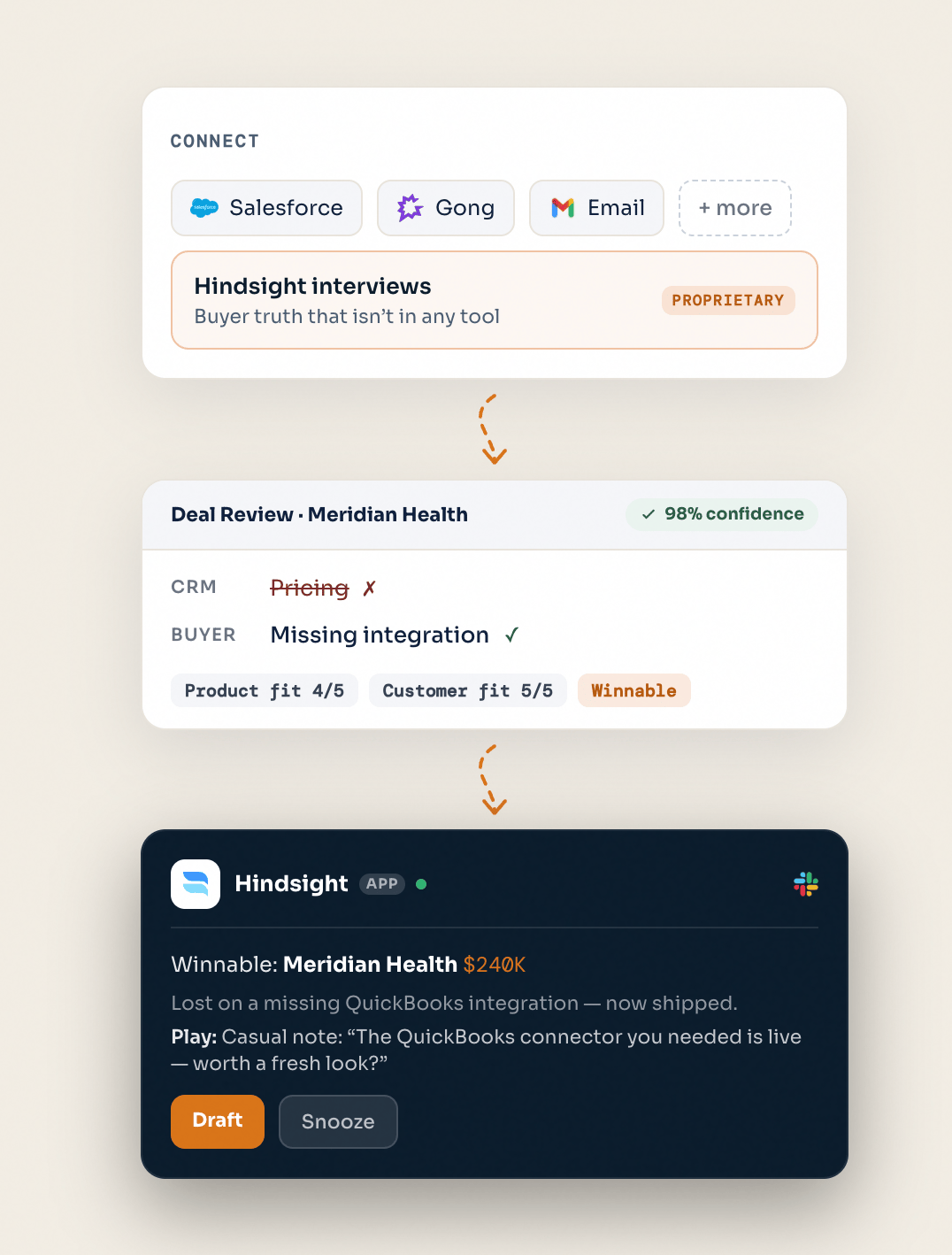
Set up a Play
Define the criteria
Use deal filters to describe the moment this play should address. Combine CRM fields with Hindsight’s Deal Review signals—such as stage, competitor, product fit, customer fit, and decision drivers—to target in-progress deals as well as closed-won, closed-lost, or expansion opportunities. For example: deals in late-stage evaluation with a newly identified competitor, accounts ready for expansion, or high-fit opportunities lost to sales execution.
Let Hindsight generate the play
Write clear Play guidance that tells Hindsight the desired outcome, format, and action. For every enrolled opportunity, Paige researches the deal and produces a recommended play from its evidence, comparable signals, and your instructions. That could be a call plan, risk response, internal coaching brief, stakeholder strategy, or outreach—not just a win-back message.
Attach assets
Link Asset Library documents that should inform the recommendation: battlecards, playbooks, one-pagers, messaging decks, or product updates. Their content is included when Paige drafts guidance for this play.
Act in Slack
Choose whether to notify the deal owner, additional teammates, or both. When an opportunity enrolls, the recipients receive the evidence-led Play in Slack, with options to ask Paige for help, open the associated Hindsight research session, or snooze it. Email notifications can also alert recipients to a new Play.
Track outcomes
Each play tracks the opportunities enrolled in it and their progress—from pending and surfaced to engaged, snoozed, dismissed, or converted. Use that view to see which proactive motions create engagement and where to refine your criteria or guidance.What’s Next
Analyze Deals
Plays run on your Deal Reviews—make sure your active and closed deals are analyzed and scored.
Build Your Custom AI
Use Hindsight Skills and Claude Skills to investigate deal patterns and create supporting enablement at scale.